Phoenix business service
Secure Data Destruction in Phoenix
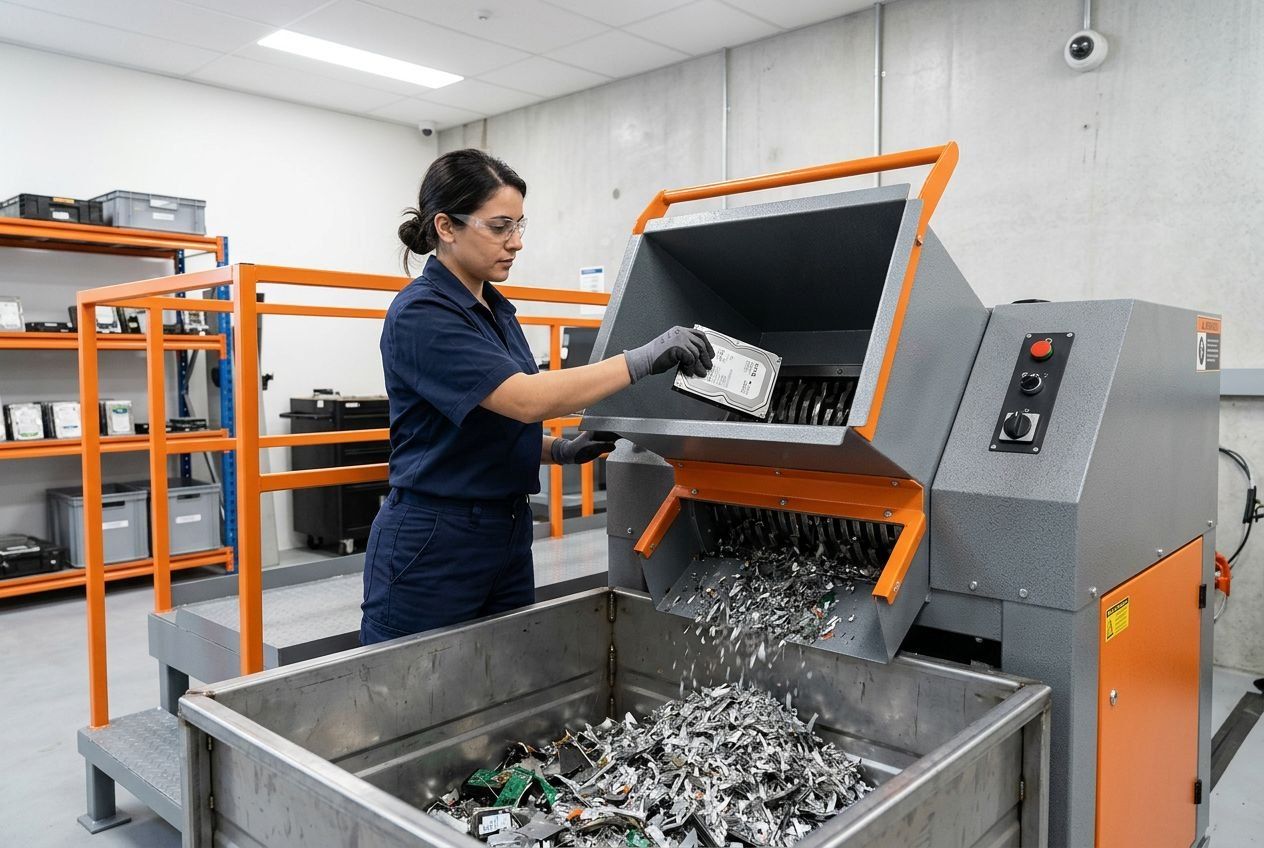
Retiring business equipment means deciding what should happen to the information as well as the hardware. We arrange secure data destruction for Phoenix-area organizations, matching the treatment of each storage medium to its intended next use. Sanitization can prepare suitable media for continued use or reuse; physical destruction makes the media unusable. The right choice depends on the device, your requested outcome and how the equipment will be handled after collection.
- Overwriting, degaussing, or physical destruction
- On-site or in-facility
- Documentation on request
Business pickup
Scheduled collection for offices, storage areas, and recurring equipment retirement.
IT asset disposition
Inventory review, data handling, reuse assessment, and final records.
Secure data destruction
Sanitization or physical destruction matched to each type of media.
Residential drop-off
Free drop-off for eligible personal electronics, with no appointment needed.
Match the method to the media
Storage devices do not all respond to the same treatment. A drive being considered for reuse needs a sanitization method suited to its media and intended next use. If the requirement is to make a device unusable, physical destruction may be the appropriate outcome. These approaches are distinct: a physically destroyed drive cannot be returned to service, while sanitization is intended to address data without necessarily destroying the device.
Degaussing is not a blanket solution for mixed equipment and is not suitable for SSDs. The method should follow the actual media type, not simply the fact that a computer is leaving your office. We keep the data decision separate from the equipment decision, so a request can identify which drives need sanitization, which require physical destruction and which equipment may have another disposition. That distinction helps avoid applying one process to every item in a mixed load.
Bring data handling into the retirement plan
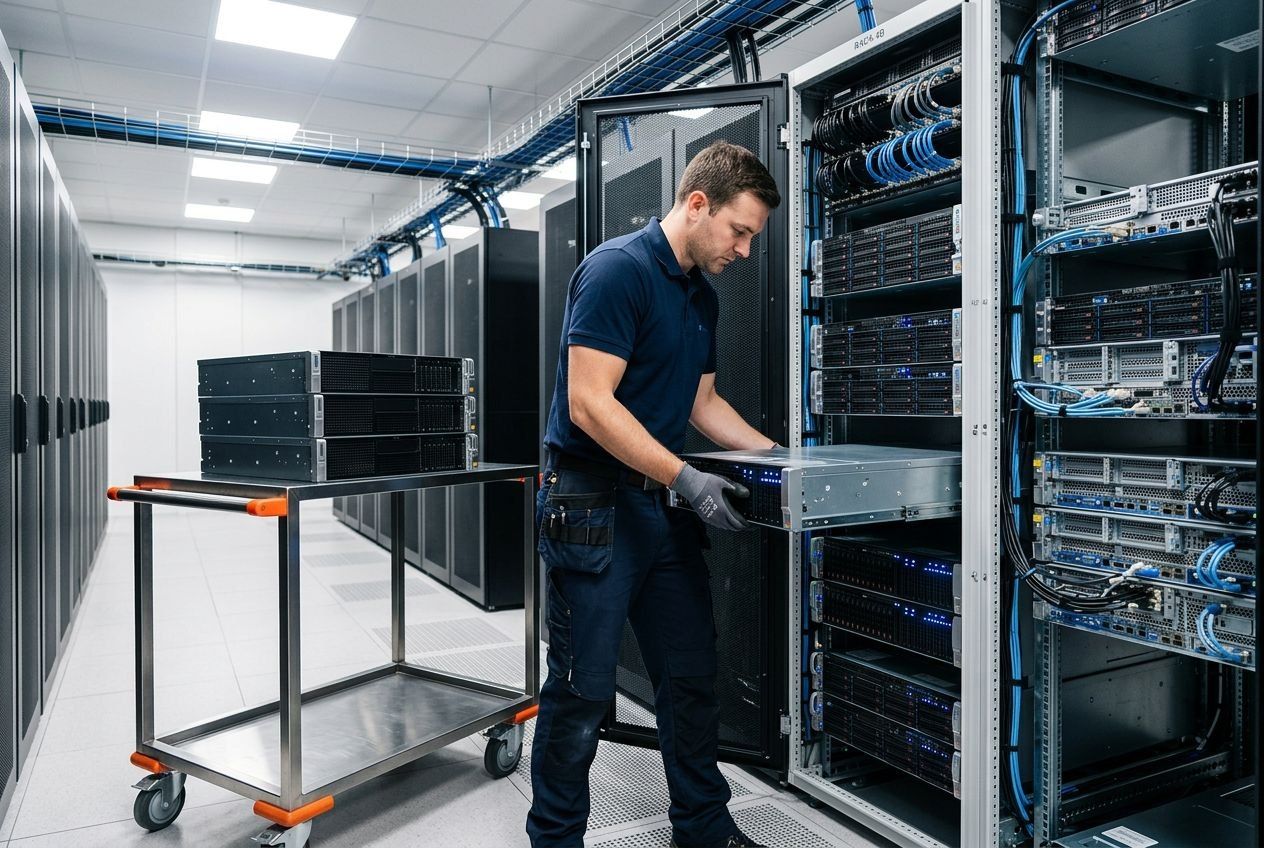
Data destruction can be arranged on its own or as part of a larger equipment retirement. The two decisions are connected, but they serve different purposes: one addresses information on storage media, while the other determines what happens to the computer, server or other asset. If the project also involves inventory, disposition or potential reuse, a broader asset retirement plan can bring those needs together.
Electronics Recycling Phoenix helps businesses arrange the appropriate service for retired equipment. Fulfillment is provided by eWasteGo, which offers software-based overwriting, degaussing and physical destruction, with methods matched to the device and intended next use. On-site and in-facility options are available. The service method is not, by itself, a determination that your organization meets a particular regulatory requirement; that depends on your obligations and the agreed project scope.
Choose an on-site or facility option
Where the data is treated can matter to your organization’s process. On-site service may suit a project where media should be treated before it leaves your premises. In-facility processing may fit other equipment retirement plans. The appropriate arrangement depends on the requested method, the devices involved and the agreed scope. Neither option means every item in a collection receives identical treatment.
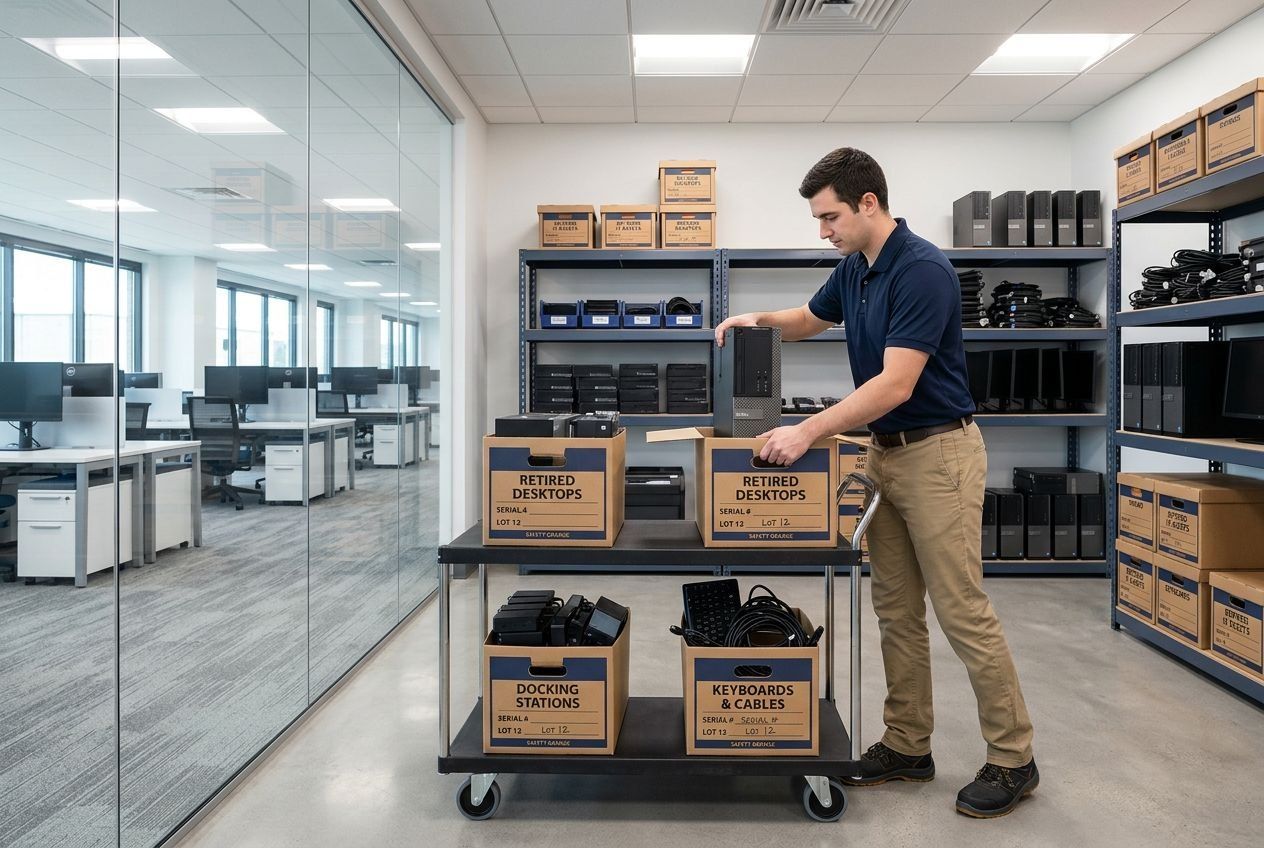
Bringing those details into the project plan helps connect collection with the intended outcome. For example, equipment that may be assessed for reuse can be distinguished from media authorized for physical destruction. That separation also helps your staff understand what is being removed and which devices need specific data handling. We can include collection arrangements in the same discussion, including planned collection from your office, so access, equipment volume and data treatment are addressed as parts of one retirement project.
How a request works
From your first message to a finished retirement
- 01
Describe the equipment
Send the device types, rough quantities, and location through the form or by phone.
- 02
Confirm scope and charges
Availability, the accepted load, and any applicable charges are agreed before anything is scheduled.
- 03
Pickup or drop-off
Businesses get a collection planned around access and loading. Residents get current drop-off instructions.
- 04
Data and records
Data treatment and documentation follow the outcome you requested for each device.
Keep useful records with the equipment disposition
Records can help your team reconcile retired devices against an internal asset register and understand what happened after collection. Depending on the service requested, documentation may include inventory or disposition details and a certificate of destruction for data-bearing devices. Tell us what records your organization needs when the project is scoped, so the request can account for those requirements.
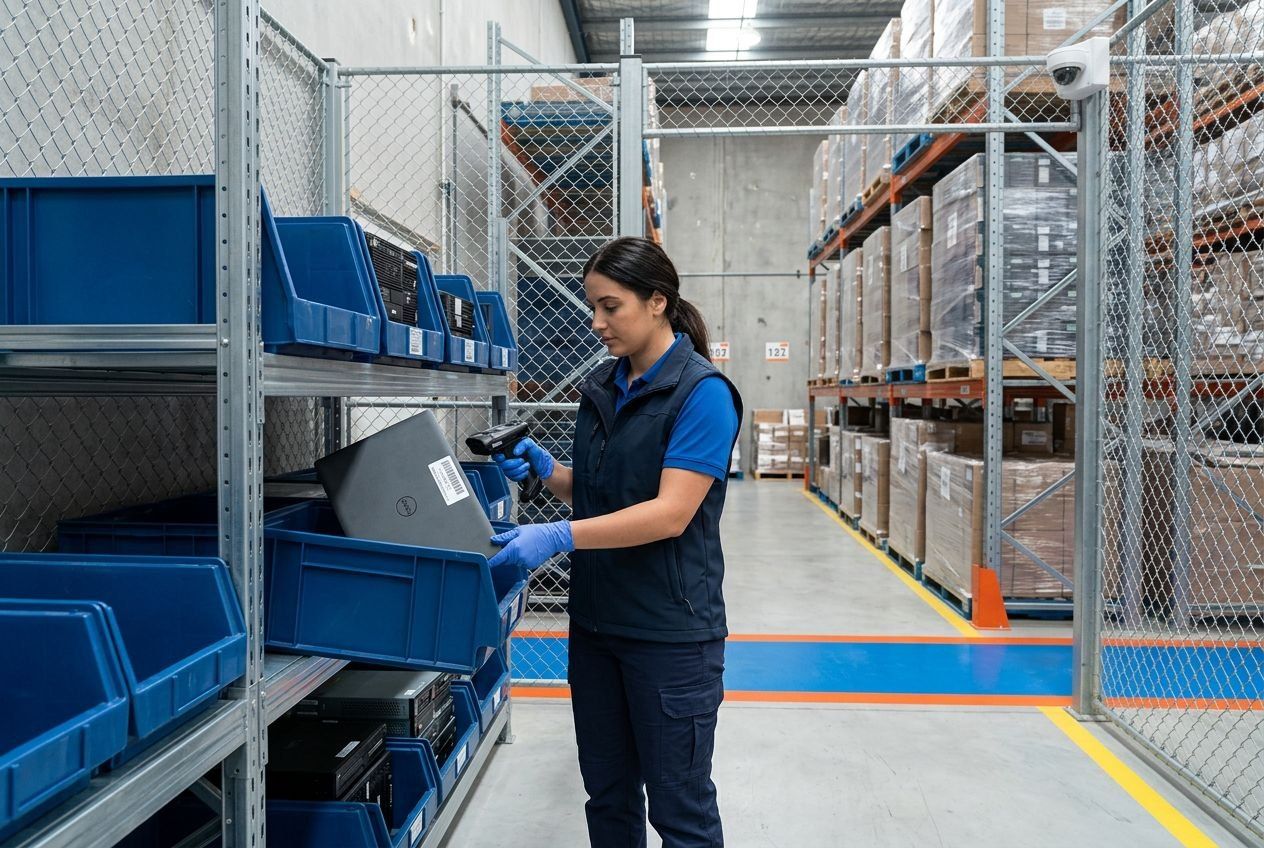
For broader IT asset disposition projects, the provider describes asset mapping, QR labels, GPS-tracked transportation and final inventory reporting. These tools can support the movement and reconciliation of equipment, while the records produced depend on the agreed work. A useful report is more than a record that a truck visited your site: it can help connect identified assets to their disposition. The documentation should reflect the items and services in scope, rather than treating every project as if it produced an identical record set.
Manage equipment across business locations
A retirement project may include devices from more than one office. We can keep location-specific equipment and access needs clear within the broader plan. For work in Paradise Valley, include devices at your local workplace; a Glendale location may have equipment at a second site to add. Gilbert projects can account for another group of retired devices, while Peoria equipment may involve assets at your other location.
Keeping each address and equipment group distinct helps prevent different access arrangements or data requirements from being blurred together. A single project can include a defined scope for each site, including which media needs sanitization or destruction and which equipment is simply being removed for assessment or recycling. Collection timing and arrangements are set for the project and its locations.
Account for mixed office equipment
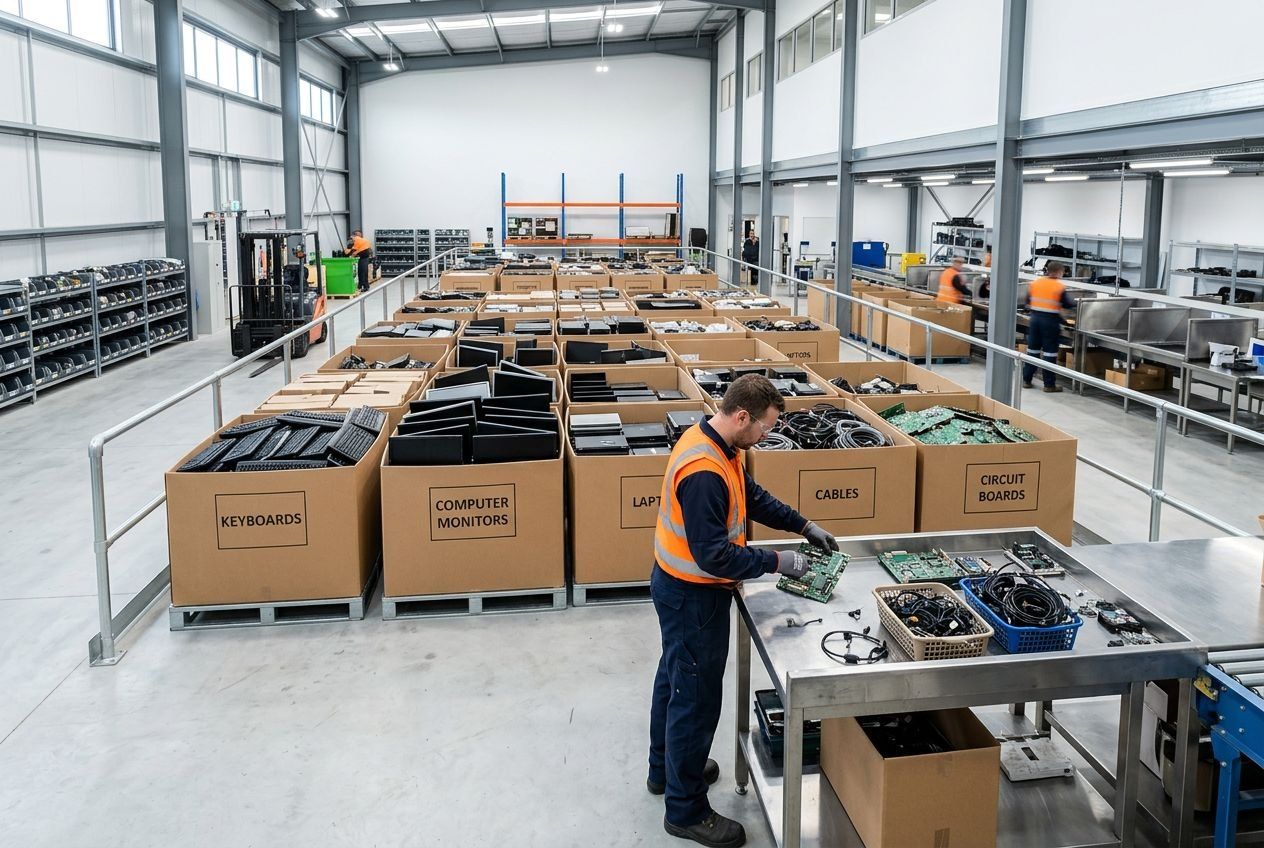
A business load can include computers, servers, tablets, phones, peripherals and flat-screen computer monitors. The data-bearing items can be identified for the treatment they require, while other equipment follows its own disposition. Printers, scanners, fax machines and stand-alone copiers may involve fees based on size, so they should be described as part of the equipment scope rather than presumed to have the same handling as a computer.
IT asset disposition can also assess whether equipment may be refurbished or remarketed after appropriate data handling. Reuse and potential value depend on the assets assessed; not every retired device qualifies, and proceeds are not certain. Separating data-bearing media from other equipment helps preserve the option to assess reusable assets without treating every drive as suitable for reuse or every computer as destined for destruction.
Questions
Questions about secure data destruction
Which data destruction method will be used?
The options are software-based overwriting, degaussing, and physical destruction. The method is selected for the media type and for what happens to the device next, since a device intended for reuse needs a different outcome from media authorized for destruction.
Does degaussing work on every drive?
No. Degaussing is not a universal method for all storage media, and solid state drives need a different approach. That is why the media type is identified before a method is chosen.
Can data destruction happen on-site?
Both on-site and in-facility options are available. Mention which one you're considering in your request, along with the number and type of devices involved.
Will we receive documentation?
Documentation can be part of the service, including a certificate of destruction for data-bearing devices where it applies. Confirm the records your team requires when you request the work.
Should I include serial numbers or drive details in the form?
There's no need. A description of the device types, approximate quantities, and the service you want is enough to begin. Please don't send passwords, account credentials, serial numbers, or the contents of a drive through the public form.
Service request
Request secure data destruction in Phoenix
Tell us whether your Phoenix-area project calls for sanitization, physical destruction or a combination suited to different devices. We can include collection and documentation needs in the scope. Call (623) 500-3674 to discuss secure data destruction for your business equipment.
Tell us about the equipment
Pickup availability, scope, and scheduling are confirmed before a collection is booked.