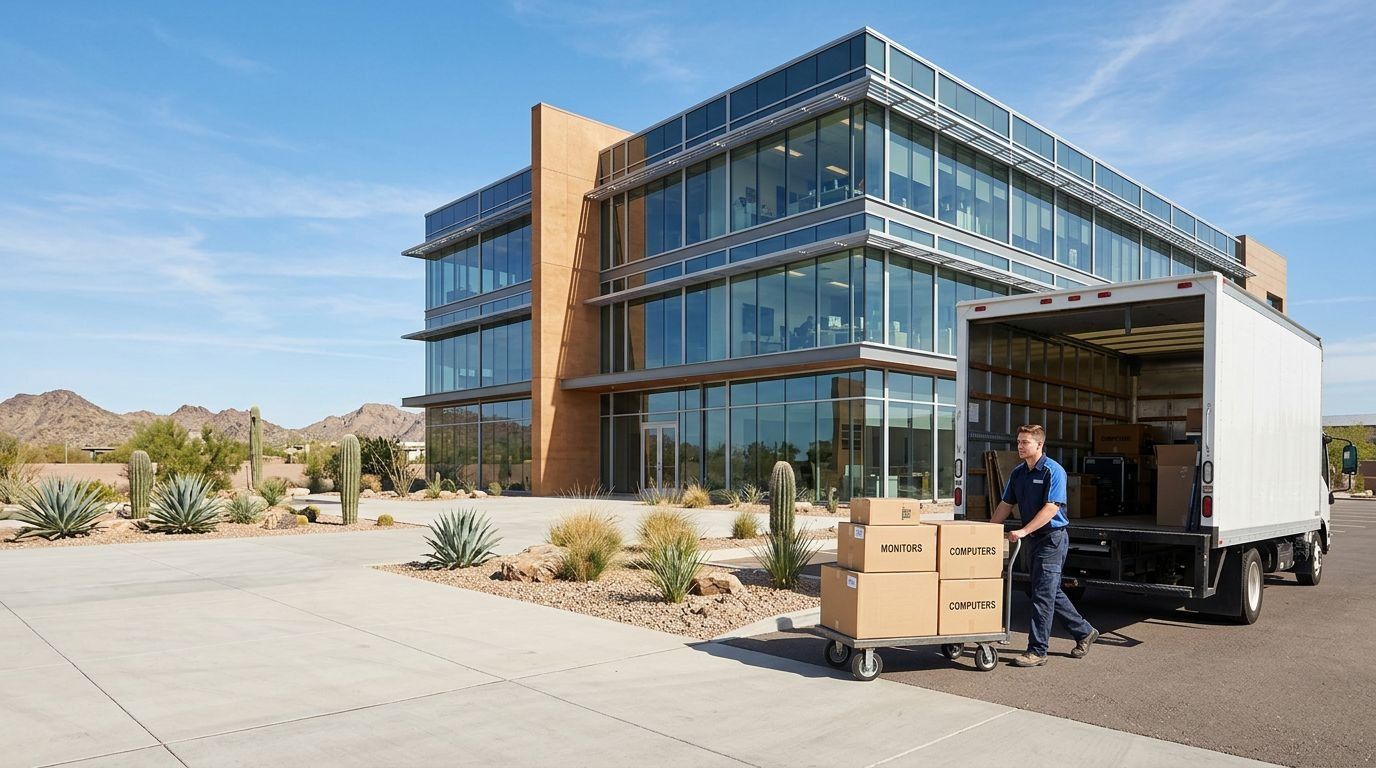
Fountain Hills, Arizona
Electronics & Computer Recycling in Fountain Hills
A few retired devices call for a different route than an office equipment cleanout. We help Fountain Hills residents and businesses choose practical electronics recycling options, from residential drop-off for eligible items to scheduled workplace collection. Businesses can also add inventory review, reuse assessment or data treatment when equipment retirement calls for more than removal. The right plan depends on what you are retiring and what needs to happen to it next.
- Business pickup
- Residential drop-off information
- Data destruction and ITAD
- Phoenix metro service
Business pickup
Scheduled collection for offices, storage areas, and recurring equipment retirement.
IT asset disposition
Inventory review, data handling, reuse assessment, and final records.
Secure data destruction
Sanitization or physical destruction matched to each type of media.
Residential drop-off
Free drop-off for eligible personal electronics, with no appointment needed.
A straightforward option for household devices
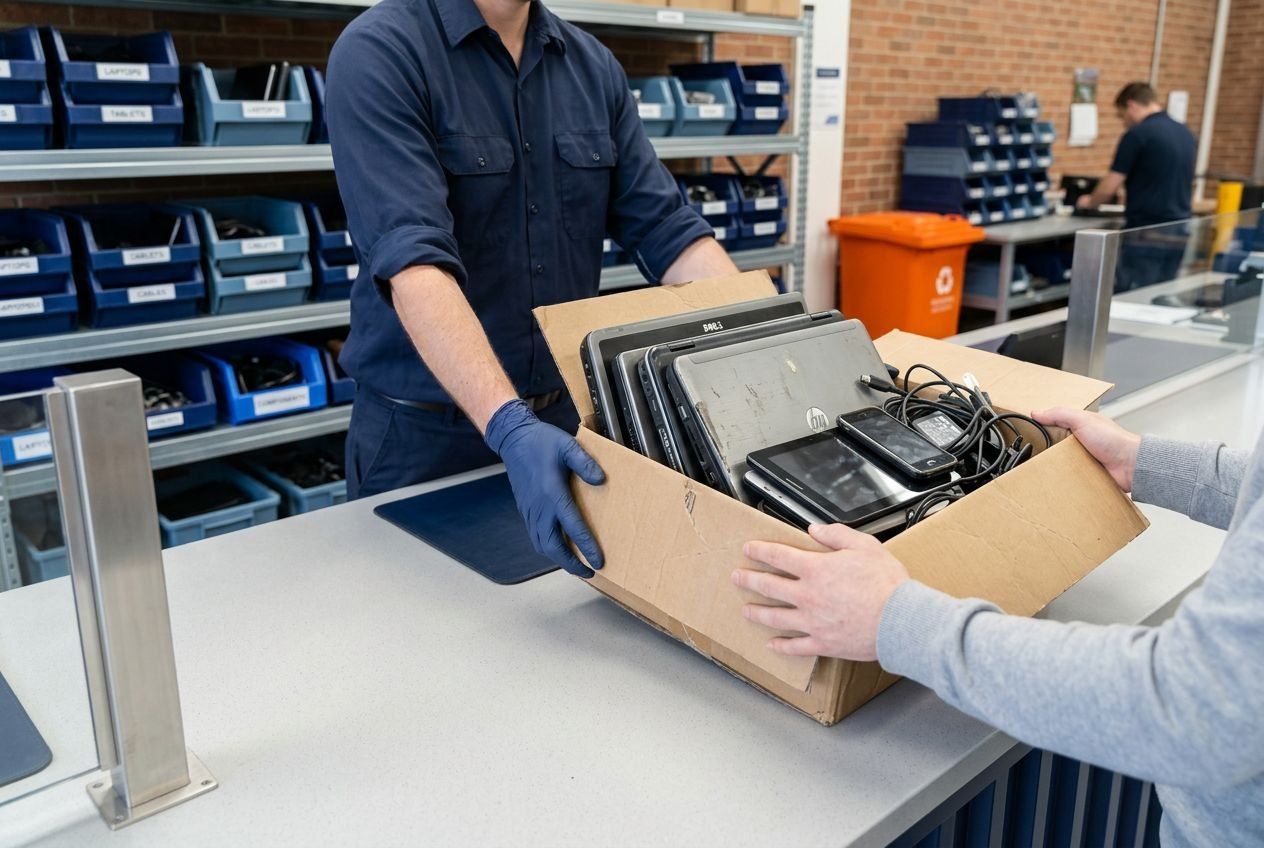
A small household batch can use residential drop-off rather than a commercial collection. For eligible electronics, drop-off is listed as free, with no appointment or minimum quantity. Call us for current instructions before bringing equipment in. We do not arrange residential home pickup, so a household request should not be planned around collection from a residence.
This option works for residents with a few personal devices, without requiring a larger workplace project. It also keeps the choice clear: use the residential drop-off route for eligible items, or discuss scheduled collection if equipment is being retired from a business location. The service depends on the equipment and property, not simply the number of devices.
Equipment checklist
What goes in an electronics load
May carry size-based fees
- Printers
- Scanners
- Fax machines
- Stand-alone copiers
Keep out of the load
- General trash
- Household appliances
- Chemicals
- Hazardous or contaminated medical equipment
- Automotive batteries
Ask first
Computer monitor acceptance does not cover televisions or CRT displays by default. List them in your request.
Know what belongs in an electronics load
The listed electronics include desktops, laptops, notebooks, tablets, servers, phones, computer peripherals and flat-screen computer monitors. These categories give residents and businesses a useful starting point when sorting a modest batch. A computer monitor is not the same as a television or CRT display, and acceptance of those other items is not part of the listed scope. Household appliances, batteries and general trash should also be kept out of a routine electronics load.
Electronics Recycling Phoenix connects customers with eWasteGo, which fulfills the work described here. For Fountain Hills, that includes electronics recycling and scheduled business collection, with the accepted load and project details agreed for the request. Printers, scanners, fax machines and stand-alone copiers may have fees based on size, so it is useful to identify them separately when discussing a mixed group of equipment.
Workplace collection for manageable batches
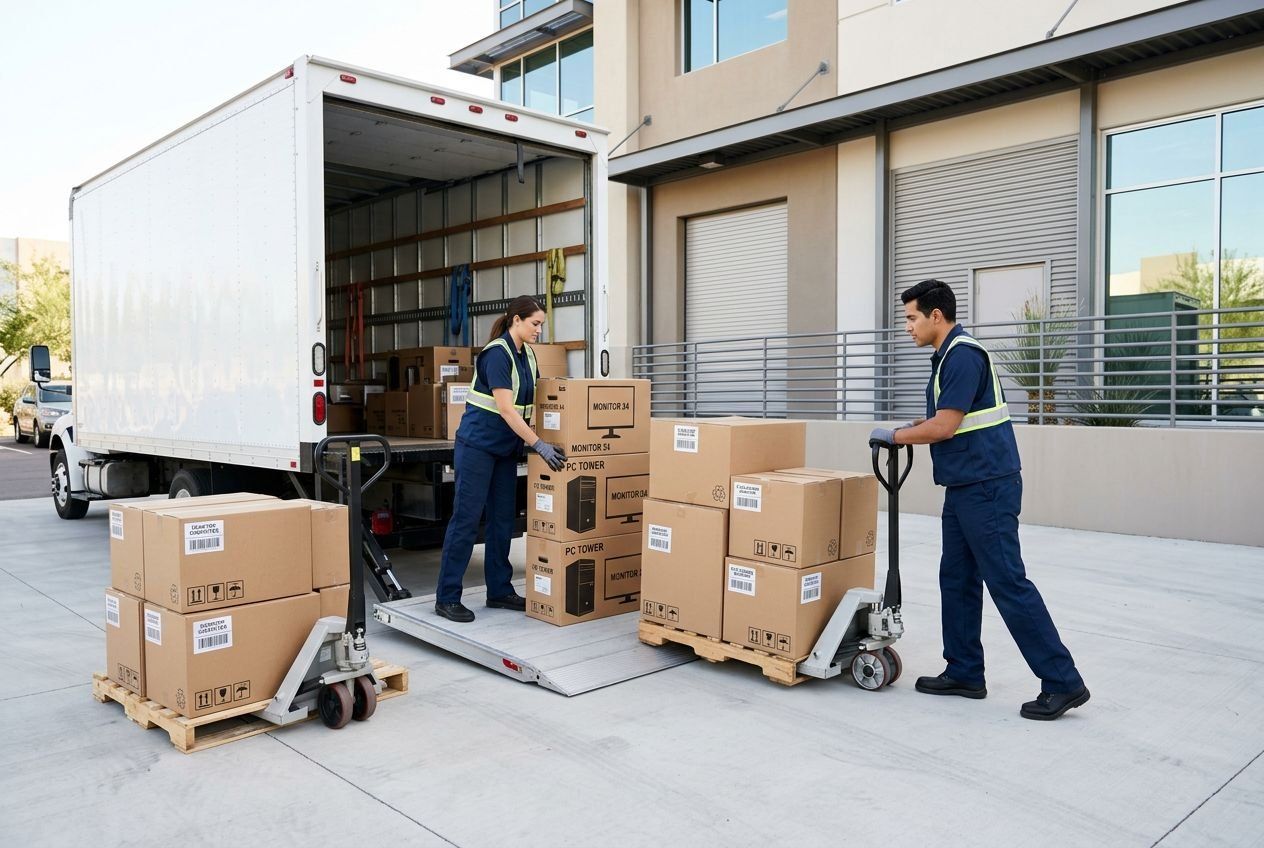
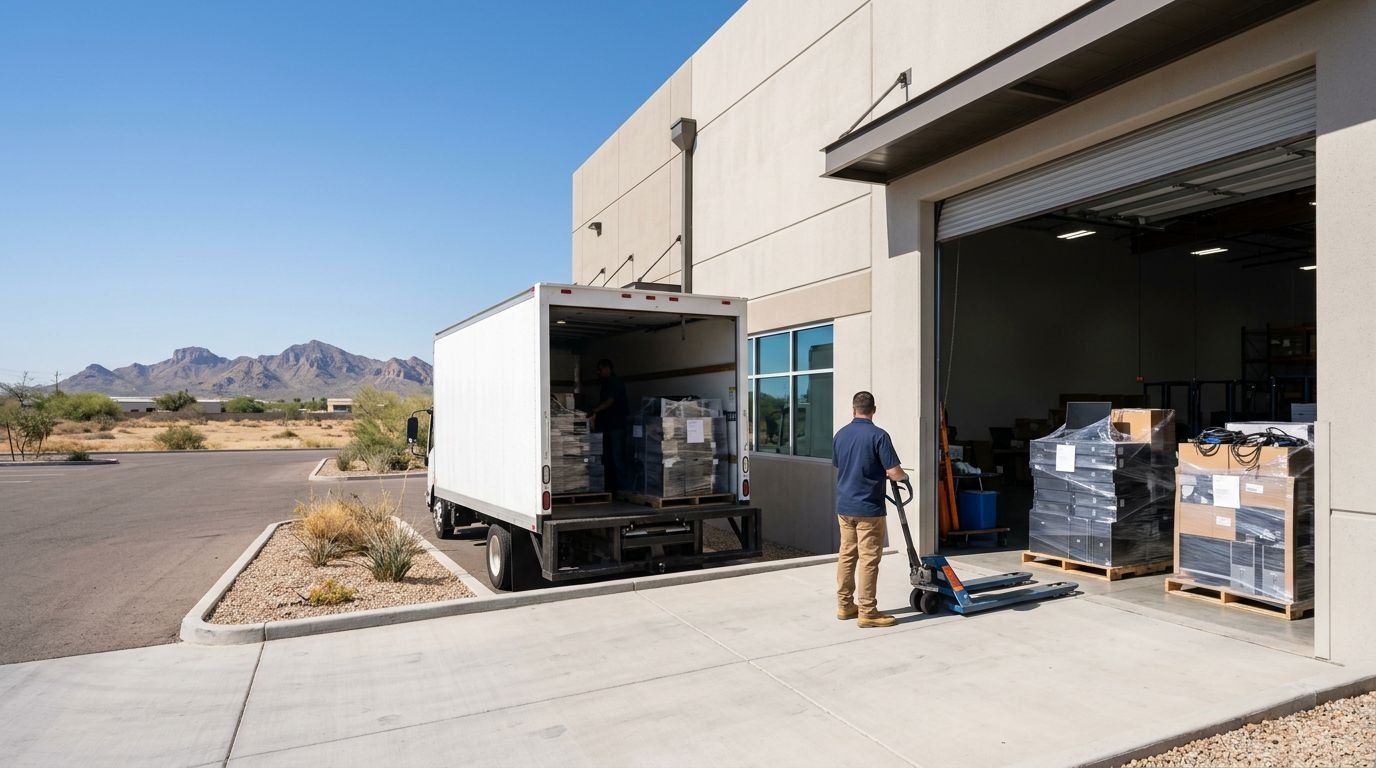
A business does not need a building-wide refresh to arrange equipment collection. A small office cleanout or a group of computers stored after replacement can be discussed as a workplace project. Commercial collection is scheduled around equipment volume and site access, so the plan can account for loading arrangements and the size of the batch rather than treating every request as a large-scale move.
We can arrange collection from your workplace for eligible business equipment. The agreed scope clarifies what is being collected, the schedule and any applicable charges. That gives staff a defined removal path without turning the service into general office-waste hauling. It also keeps residential drop-off separate from business-site collection, which is scheduled for the workplace and does not automatically apply to equipment kept at an employee’s home.
How a request works
From your first message to a finished retirement
- 01
Describe the equipment
Send the device types, rough quantities, and location through the form or by phone.
- 02
Confirm scope and charges
Availability, the accepted load, and any applicable charges are agreed before anything is scheduled.
- 03
Pickup or drop-off
Businesses get a collection planned around access and loading. Residents get current drop-off instructions.
- 04
Data and records
Data treatment and documentation follow the outcome you requested for each device.
Add asset disposition to an equipment retirement
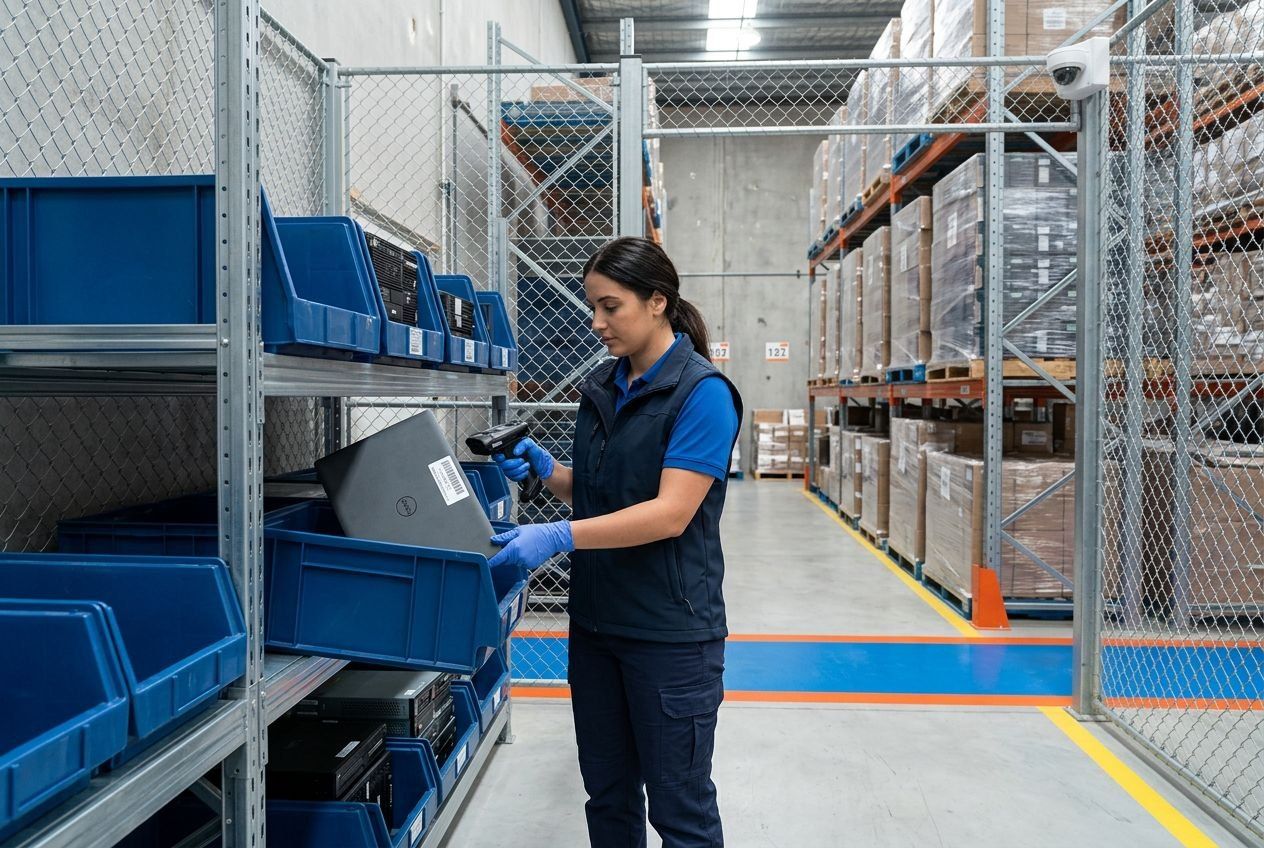
Recycling handles the equipment’s material end, while IT asset disposition can address the wider retirement process. For a business replacing computers, that may mean reviewing an inventory, separating active equipment from items approved for retirement, and documenting where the retired assets go. An organized asset retirement can include asset mapping, inventory review, pickup, QR asset labels, data processing and final inventory or reporting.
These steps help an organization reconcile equipment leaving its control with internal records. They can be useful for a single office batch as well as a larger refresh, when the business needs a clearer record than a simple removal. Some assessed equipment may be suitable for reuse or remarketing after appropriate data handling. Eligibility and any recovery proceeds depend on the assets, so a resale credit is not a set outcome for every retirement.
Choose data treatment for the device and its next use
Removing a computer does not erase the information stored on its drive. When data handling is part of the retirement, we can include the data stored on each drive in the service plan. Available methods include software-based overwriting, degaussing and physical destruction. The method is selected to suit the media and requested outcome, rather than applying one treatment to every device.
A device being prepared for possible reuse needs a different outcome from media authorized for physical destruction. Sanitization may be appropriate when equipment is intended to remain usable; physical destruction is an option when that is the requested disposition. On-site and facility services are available according to the project scope. Businesses can request relevant records for work performed, including a certificate of destruction for data-bearing devices when applicable. Hardware removal and data treatment are related decisions, but they are not the same service.
Plan work across more than one property
Businesses managing equipment at multiple addresses can discuss each site’s batch and access needs as part of a broader retirement plan. A request involving Fountain Hills and equipment at another property in Guadalupe can be scoped by address. Pickup availability is confirmed for your Guadalupe address before scheduling. This allows collection planning to reflect the actual equipment and property arrangements at each location.
If an organization also has equipment in Apache Junction, it can raise a second-site collection request separately. Each location has its own equipment, access and scheduling details, so a multi-property request can keep those requirements distinct. The approach is useful when a business is retiring a small batch at one site and a different volume elsewhere, without treating the addresses as a single pickup point.
Service request
Request recycling in Fountain Hills
For eligible household devices, call for current drop-off instructions. Businesses can call (623) 500-3674 to discuss workplace collection, ITAD or data treatment in Fountain Hills. We will help shape the request around the equipment and the outcome you need.
Tell us about the equipment
Pickup availability, scope, and scheduling are confirmed before a collection is booked.